How Is ROI Calculated in eDiscovery? A Breakdown for Legal Ops

Ready to get started?
built for clarity, control, and scale.
Share
If you’ve ever looked at your eDiscovery software’s bills and thought, “There’s no way this should cost this much,” you’re not alone. The truth is, most legal teams are spending far more than they realize simply because they’ve never had a clear way to calculate ROI across the entire discovery workflow.

That’s why an ROI calculator isn’t just a nice-to-have tool, it’s your new secret weapon. With the right inputs, it shines a light on hidden costs, exposes inefficiencies, and helps you finally see what’s driving your spend. And before you can make smarter decisions, you need to understand how ROI is calculated in eDiscovery, where even small process gaps can snowball into massive review hours and surprise per-GB fees.
This blog is your step-by-step guide to mastering ROI calculations, not in a dry, spreadsheet-only way, but in a practical, eye-opening way that gives you real control over your budget. By the end, you’ll know exactly how to calculate ROI, where the biggest savings opportunities hide, and how the right platform can transform your cost structure almost overnight.
Common Pricing Models and Their Impact on Calculating ROI
Before you jump into an ROI calculator or start running ROI calculations, it’s crucial to understand what you’re actually paying for. eDiscovery pricing can look simple on the surface, but behind the scenes, different models can dramatically change how you calculate ROI and how predictable (or unpredictable) your budget becomes.
Let’s break down the most common pricing models and how each one influences your ROI story:
1. Per-GB Pricing: The Industry Classic and the Biggest Wildcard
Per-GB pricing is the model most teams know well: you pay for every gigabyte you ingest, process, or host. Sounds straightforward, right?
Not quite.
Data often expands during processing (sometimes 2–4x), meaning your initial volume estimate may not reflect your final bill. This makes it harder to predict spend and harder to calculate ROI with accuracy.

Impact on ROI:
- Higher data volumes = exponentially higher costs
- Any reduction in review volume or processing needs dramatically improves ROI
- Variability makes long-term ROI calculations less stable
For ROI Calculation: If you’re modeling ROI, always account for data expansion and unpredictable review hours.
2. Licensing & User-Based Pricing: Fixed, Predictable, and Great for Scaling
With licensing models, you pay for seats, modules, or an annual platform fee. This structure often provides more predictability, especially for in-house teams handling multiple matters.
Impact on ROI:
- Easier to calculate ROI because costs remain fixed
- Allows high-volume teams to scale without unpredictable spikes
- Savings show up more clearly in labor and workflow efficiency
For ROI Calculation: When using an ROI calculator for this model, focus on time savings and the number of matters handled, not just data size.
3. Add-On Modules and Analytics Fees: The Hidden ROI Killers
Many platforms lure teams in with a low base price and then add fees for analytics, AI, OCR, advanced review features, exports, or even basic search capabilities.
These add-ons distort your true cost and make your ROI calculations unreliable unless you track them carefully.
Impact on ROI:
- Hidden fees make it harder to calculate ROI accurately
- Third-party add-ons inflate the total cost of ownership
- Prevents predictable budgeting for future matters
For ROI Calculation: A good ROI model must include all recurring add-on costs, not just base pricing.
4. Infrastructure Costs: On-Prem vs Cloud
Infrastructure plays a major role in how ROI is calculated:
- On-prem: You pay for hardware, storage, maintenance, upgrades, IT labor, and energy.
- Cloud: Lower upfront cost, but can include variable hosting or per-user fees.

Impact on ROI:
- On-prem becomes more cost-effective when volumes are consistent and predictable
- Cloud models offer flexibility but may require careful monitoring of hosting usage
- A hybrid approach can influence ROI depending on your data mix
For ROI Calculation: An ROI calculator should compare 1-year, 3-year, and 5-year cost horizons to fully reveal differences.
5. All-in-One Platforms: The Most Transparent ROI Path
Some modern eDiscovery solutions eliminate per-GB surprises, add-on fees, and third-party integrations by offering a unified platform with clear, predictable pricing.
Impact on ROI:
- Easier to calculate because costs are stable and transparent
- ROI improves significantly through automation, AI, and reduced review volume
- Perfect for teams fed up with cost unpredictability
Platforms like Venio make it simpler to run ROI calculations and see exactly where you gain efficiencies, rather than guessing what your final invoice will look like.
How is ROI Calculated and What Options It Should Include
Creating an effective ROI calculator for eDiscovery (or legal review more broadly) isn’t just about plugging in numbers. The goal is to structure a model that reflects real-world behaviors and shows how efficiencies (or inefficiencies) translate into measurable savings.
Here are the key levers, calculations, and options that your ROI calculator should support:
1. Key ROI Metrics to Model
An ROI calculator for eDiscovery should at least handle these three major dimensions:
- Data Reduction
- Processing Time Improvements
- Annual (or Matter-Based) ROI Aggregation
2. Modeling Data Reduction Savings
This is often the biggest lever for cost savings, because document review is usually the most expensive eDiscovery activity. Here’s how you can model it:
- Estimate Review Throughput and Cost
Determine how many documents an attorney or reviewer can realistically review per hour and then estimate the average hourly cost of the reviewer. - Estimate Reduction Rates
Two main parameters matter:- Deduplication Rate: What percentage of your document set are duplicates?
- Culling / Early Case Assessment (ECA) Rate: After deduping, how many documents can you further filter out through date filters, custodian filters, keyword filters, and ECA?
- Calculate Review Hours Saved & Cost Saved
With those numbers, you can model how many fewer review hours are needed, and multiply by the reviewer cost to estimate cost savings. - Subtract the Cost of Your Tool / Process
Savings are not enough; to calculate ROI, you need to subtract the costs of the solution or process enabling these reductions.
3. Modeling Processing-Time Improvements
Another powerful lever in an ROI calculator: the time saved during data processing, not just during review.
- Baseline Processing Time: Figure out how long your current processing pipeline takes per matter.
- Alternative (Legacy) Processing Time: Compare with a “before” figure, for example, if previously you shipped data to outside vendors who took X hours to process, use that as your baseline in the ROI model.
- Time Savings & Value: Multiply the difference in processing time by the number of matters/year and convert that time saved into a cost number (hourly cost of involved resources, e.g., staff or counsel).
4. Rolling Up ROI Across Matters / Annually
To make the ROI calculator broadly useful (not just for one case), include a way to project annual ROI:
- Determine your average number of matters (or eDiscovery projects) handled in a year.
- Use the per-matter ROI (from data reduction + time savings) times the number of matters to estimate annual value.
- This helps legal operations or general counsel build a business case: “If we apply these improvements across 10 matters a year, here’s what the total ROI looks like.”
5. Flexible Assumptions & Sensitivity Analysis
A really good ROI calculator should not be rigid. It should:
- Allow users to tweak assumptions (e.g., dedupe %, hourly review rate, processing hours) because real data may differ from published “typical” rates.
- Support scenario analysis, for instance: baseline vs “with ECA + CAL” vs “optimized processing.”
- Provide sensitivity outputs: how much ROI changes if your deduplication rate is only 30% instead of 43%, or your review rate is slower/faster.
7. Interpreting the Results
Once you run your ROI calculator:
- Net Savings: This is your gross savings minus the cost of your eDiscovery solution/process.
- ROI Percentage: Commonly expressed as (Net Savings)÷(Cost of Solution)×100%.
- Payback Period: Estimate how many cases or how much time it takes for your investment to “pay for itself.”
- Break-even Scenarios: Use your sensitivity analysis to figure out the worst-case ROI if your assumptions are conservative, and the best-case ROI if you hit target efficiencies.
Pitfalls and Considerations in ROI Calculation
Calculating ROI sounds simple on paper – plug in costs, subtract savings, and you’re done. But in eDiscovery, the reality is much messier. If you don’t account for the nuances of your workflow, your ROI calculations can mislead you, inflate expectations, or hide the very inefficiencies you’re trying to uncover.

Here are the most common pitfalls teams run into when they try to calculate ROI:
- Ignoring the True Cost of Review: Review often makes up a large portion of the total eDiscovery spend. If your ROI calculator doesn’t account for fluctuating review hours, reviewer rates, batching, or analytics-assisted reductions, you’ll dramatically understate your actual costs.
- Overlooking Data Expansion During Processing: Raw data doesn’t equal processed data. Once files are extracted, deduplicated, indexed, or converted, they expand, sometimes doubling or tripling. If you calculate ROI based only on initial data size, you end up with misleading cost savings.
- Not Accounting for Labor Outside of Review: Review gets attention, but upstream tasks like collection, processing, early case assessment, admin work, and QA are often ignored in ROI calculations. These hours add up, and ignoring them skews your ROI.
- Hidden or “Unpredictable” Vendor Fees: From OCR charges to analytics fees to user licenses, vendor invoices rarely stop at the base price. If you forget these in your ROI calculations, you might underestimate costs by 20–40%.
- Failing to Differentiate Between Matter Types: Not all matters are created equal. A data-heavy internal investigation has a very different cost profile than a small employment dispute. Many teams make the mistake of calculating ROI “on average,” which masks huge variability.
- Forgetting Long-Term Cost of Ownership (Especially With Legacy Tools): Some tools look cheap in year one but balloon in cost over time through maintenance, infrastructure, or extra modules. If your ROI calculation only focuses on short-term savings, you miss the bigger picture.
- Using a Calculator Without Real Operational Inputs: Many ROI calculators work with “ideal” numbers, perfect workflows, perfect data, and perfect assumptions. But your real-world environment includes delays, messy data, missing metadata, inconsistent handoffs, and human error. ROI calculators only work when your inputs reflect reality, not wishful thinking.
Venio’s Saving Calculator: Quick, Clear, Actionable
Venio’s Saving Calculator isn’t an elaborate financial model; it’s a fast, practical way to calculate ROI for your eDiscovery program using just two realistic inputs: cases per year and average GB per case.
The calculator asks for:
- Cases per year (how many matters you run)
- Average GB per case (typical data volume per matter)
The output is straightforward: potential annual savings in dollars and a percentage reduction of your current annual eDiscovery spend.

Use Venio’s saving calculator to find out how much budget you can reclaim this year.
Take Control of Your eDiscovery Costs with Venio
If this deep dive made one thing clear, it’s this: real ROI doesn’t come from guessing, piecing together tools, or fighting unpredictable pricing models. It comes from a platform built to streamline your workflows, reduce review volumes, and give you complete visibility into your spend, all in one place.
And that’s exactly what Venio delivers.
With Venio Systems, you get a modern, end-to-end eDiscovery solution that’s faster to deploy, easier to manage, and built to cut unnecessary costs from day one. Whether you’re looking to scale your team, consolidate vendors, or finally bring predictability to your processes, Venio gives you the technology, automation, and transparency to get there.
Contact us today and learn how Venio can optimize your eDiscovery Universe.
Related Articles
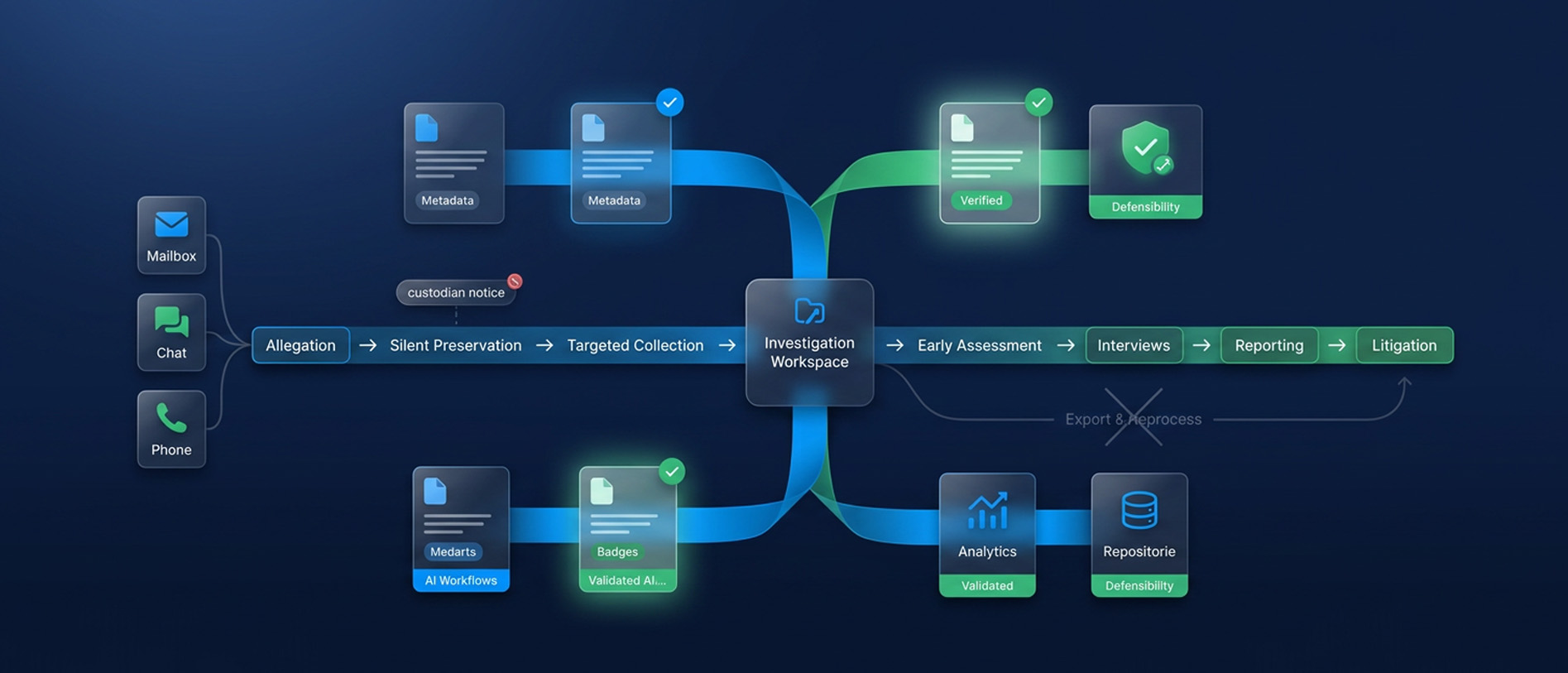
Internal Investigations: Getting the Facts Without Blowing the Matter Open
An internal investigation offers no court schedule and no second chance at prese
Read Article
eDiscovery Data Analytics & Visualization for Trial Preparation
Most litigation teams don’t lose at trial because they lack evidence. They lose
Read Article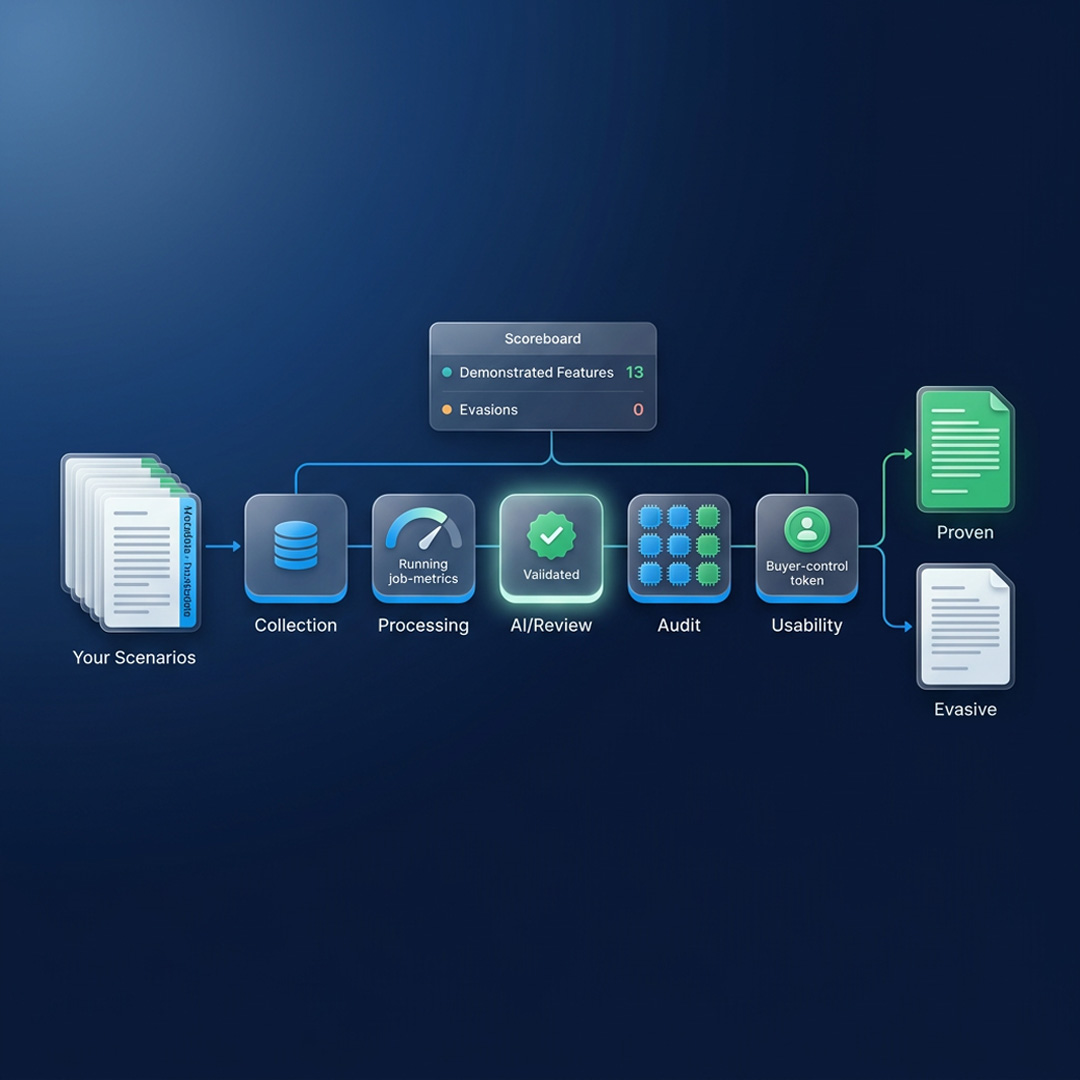
What to Ask in an eDiscovery Demo Before You Sign
Twenty questions that make an eDiscovery vendor prove processing, AI, security a
Read Article