Experience the Venio Difference
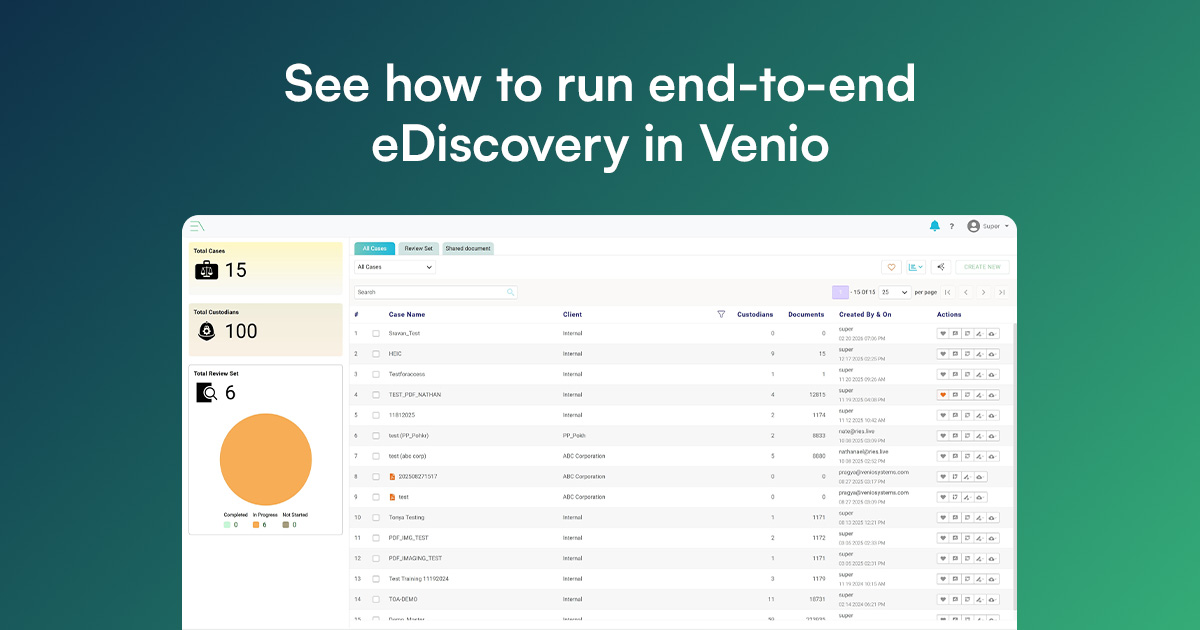
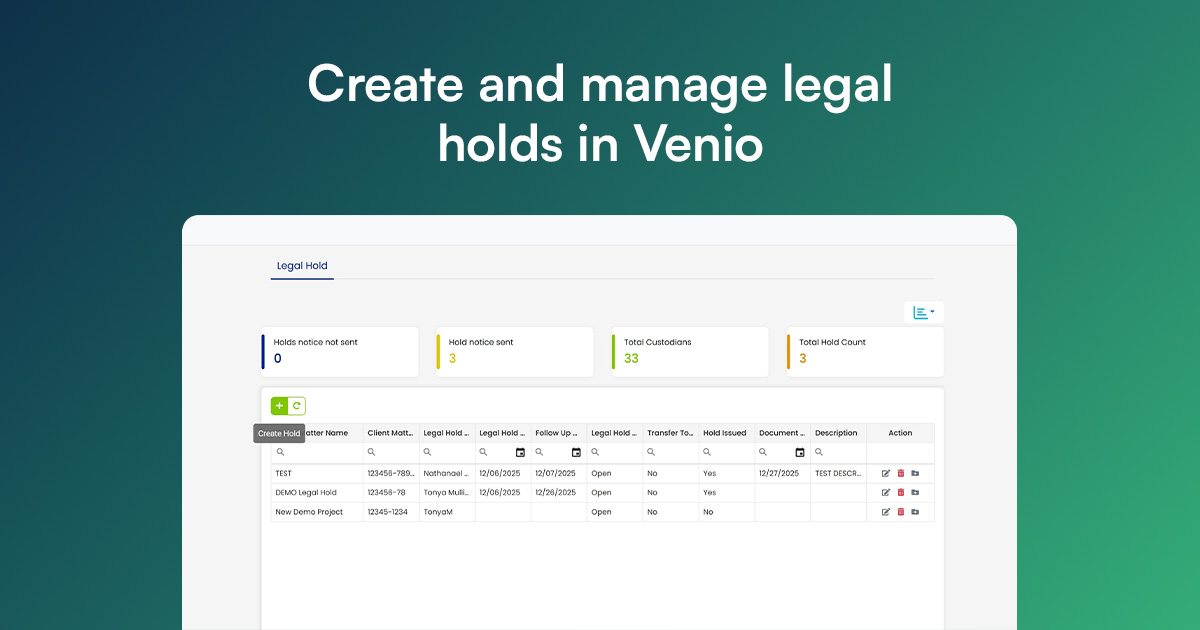
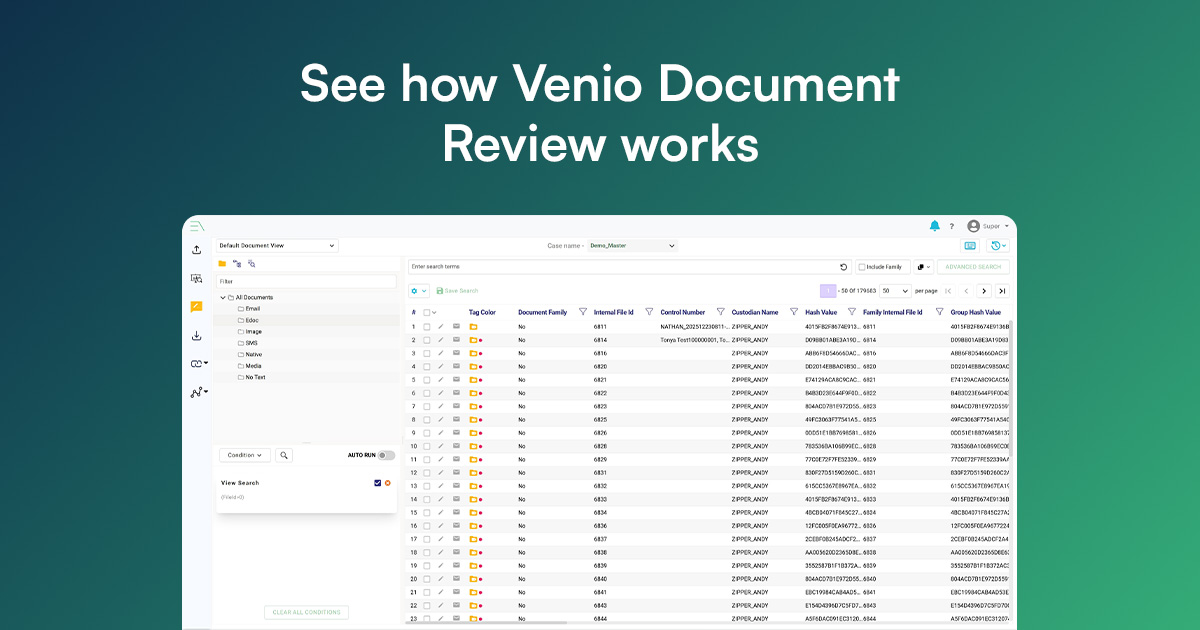
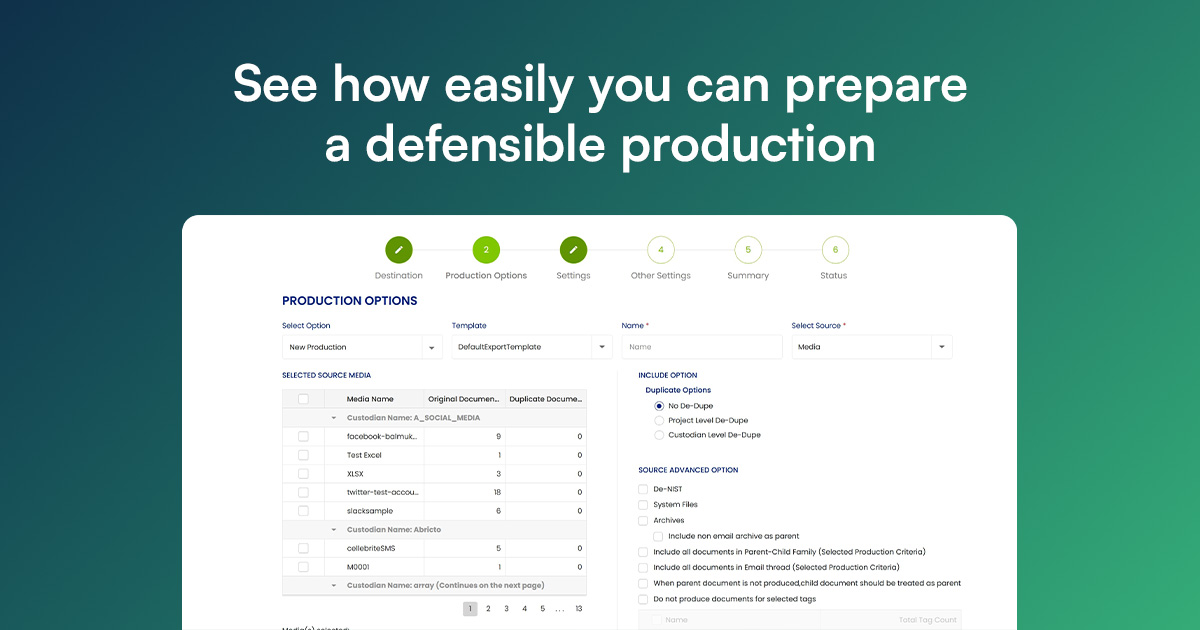
See how Venio Systems simplifies every stage of the eDiscovery lifecycle -from legal hold and early case assessment to review and production. Take an interactive product tour to discover how Venio helps legal teams collect, process, review, and produce electronically stored information (ESI) faster, more accurately, and at a lower cost.
Trusted by leading organizations
.webp)



.webp)



Explore Our Interactive Product Tours
Choose the module that fits your workflow, or explore all five to see how Venio streamlines the entire eDiscovery lifecycle.
Ready to See Venio in Action?
Ready for enterprise speed without the infrastructure overhead? Launch your Venio Cloud environment today.
Frequently Asked Questions
Everything you need to know about Venio's eDiscovery platform
What is included in the Venio product tours?
Each tour provides an interactive walkthrough of a specific Venio module, highlighting major features, use cases, and real-world workflows. You'll see live examples of how legal teams use Venio for legal hold, eDiscovery, review, ECA, and production - with no data entry or setup required.
How long does each tour take?
Each tour is designed to be completed in 12-18 minutes, depending on your pace. You can pause and resume at any time. If you want a quick overview, skip to key sections. If you want deep-dive coverage, explore every feature.
Can I request a personalized demo after the tour?
Yes. You can schedule a live demo with a Venio expert at any point—during, after, or instead of taking a tour. Our sales team will tailor the demo to your specific use case, industry, and pain points.
Which Venio module should I explore first?
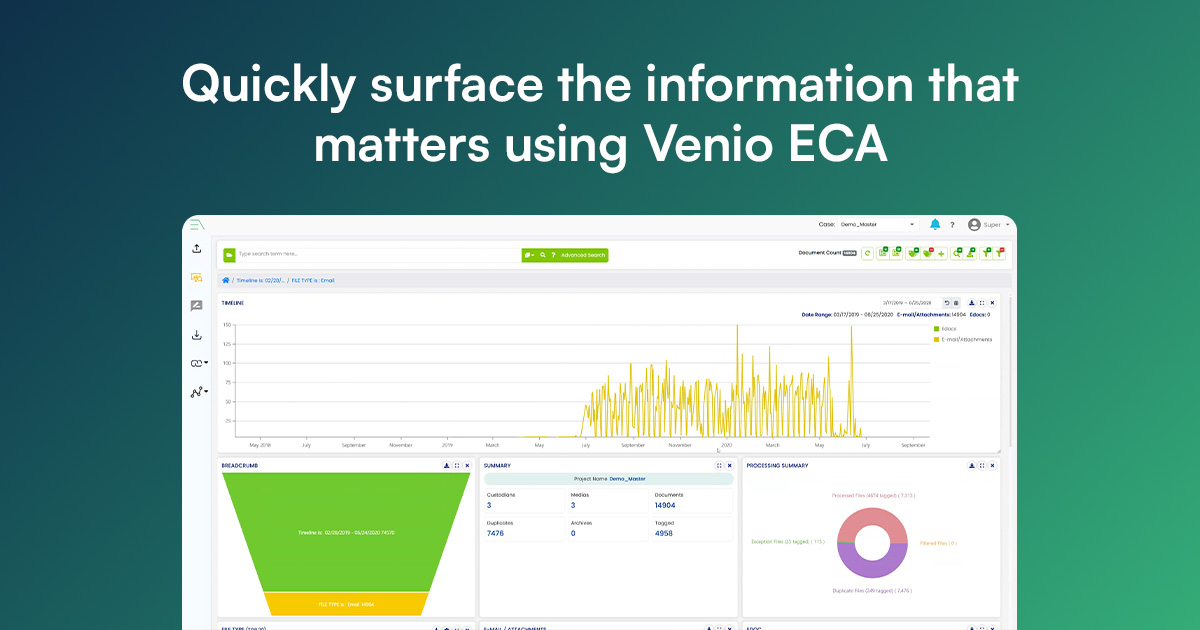
If you need an end-to-end solution, start with Venio eDiscovery to understand the full workflow. If you have a specific pain point, choose the module that aligns with your immediate need: Legal Hold for compliance, ECA for cost estimation, Review for document assessment, or Production for final deliverables.
What browsers and devices are supported?
Our product tours work on all modern browsers (Chrome, Safari, Firefox, Edge) and devices (desktop, tablet, mobile). For the best experience, we recommend a screen size of 1024px or larger for desktop tours, though mobile-optimized versions are available.
Can I share tours with my team?
Absolutely. Each tour has a shareable link you can send to colleagues, IT teams, or other stakeholders. They can access the same tour without needing your account or special permissions.
Are there any system requirements or software to install?
No. Tours are browser-based and require no software installation. You just need a stable internet connection and a modern web browser. Everything runs in the cloud.
What happens to my data when I take a tour?
Tours use sample data only - no real case data is collected, stored, or processed. Your activity is logged for improvement purposes, but we never access, view, or retain any case information you may discuss or provide.