Legal Workflow Automation for Faster eDiscovery
Ready to get started?
built for clarity, control, and scale.
Share
A matter can be fully staffed and still spend days waiting for someone to confirm what happens next. Counsel needs the collection status. IT needs a clearer request. Review cannot start until someone resolves the missing data.
If that sounds familiar, the next improvement is to make each stage easier to complete and verify. That means less status chasing, fewer repeated collections, and a clearer path from receiving a matter to making decisions about it.
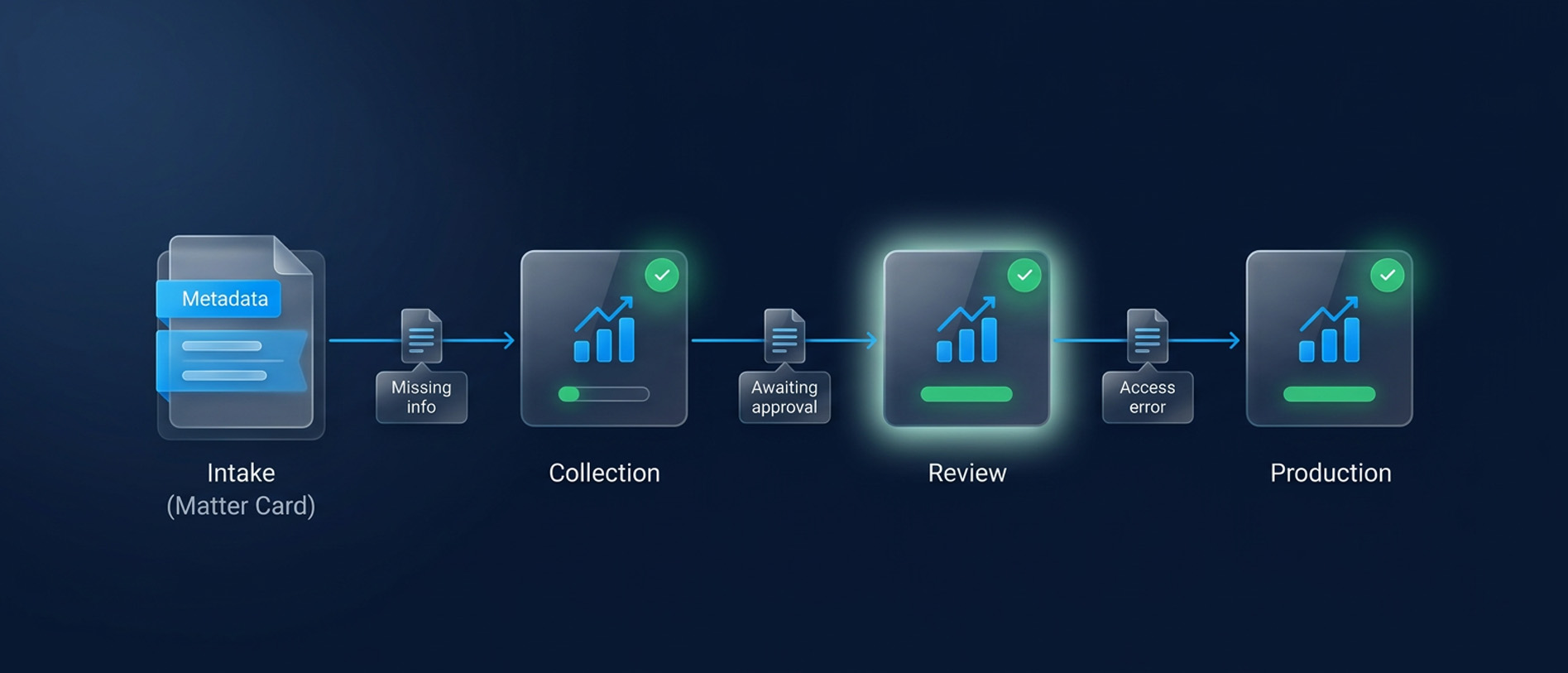
Legal workflow automation can help, provided it addresses the work that actually holds your team back. For corporate legal departments, that work often sits between a completed task and the next person being able to act.
This blog explains how to find those delays, define what each team must deliver, and evaluate the technology against a real matter. You will also see where Venio can support the process, from hold administration through review and production.
Find the Work Your Team Keeps Restarting
The pressure is measurable. In the 2025 Thomson Reuters Legal Department Operations Index, 81% of respondents reported increasing matter volumes. Another 56% said their departments were under-resourced. The survey collected 128 responses from U.S. corporate legal departments.
For a team facing that combination, repeated work deserves attention before another task is added to the automation queue.
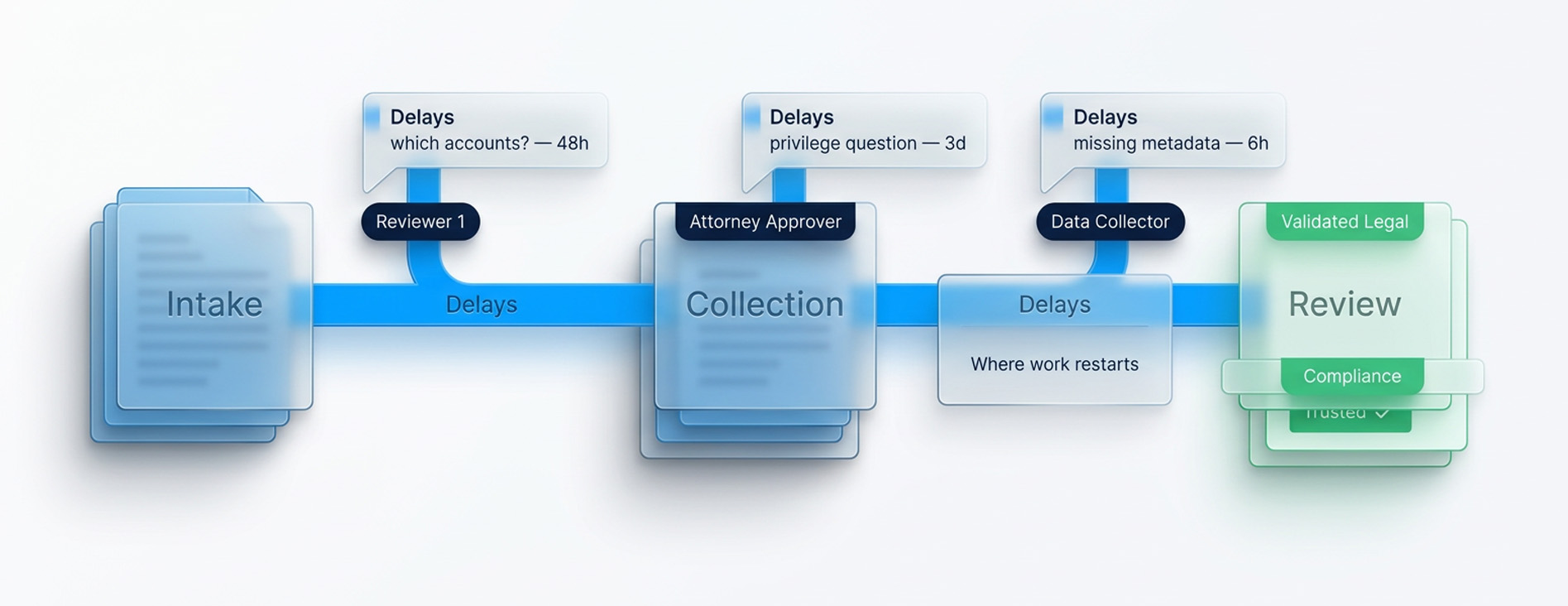
Take a recent matter and trace the points where someone had to ask for clarification, repeat a search, or reopen a collection. Record the reason alongside the elapsed time. Separate time spent doing the work from time spent waiting for instructions or approval.
You may find that the collection itself was quick, but confirming which accounts were included took two days. Or reviewers finished their assignments while privilege questions remained unresolved in counsel's inbox.
These findings change the buying decision. Legal workflow automation software is useful when it removes a specific recurring dependency. Sending a reminder faster has limited value if nobody knows what evidence would allow the task to close.
The starting point for legal operations automation is therefore a repeatable problem with an identifiable owner and a result you can inspect.
Match the Software to the Discovery Problem
Legal workflow management defines how work is assigned, approved, tracked, and completed. Automation executes selected steps within that process. Both depend on clear instructions and a way to handle exceptions.
A corporate eDiscovery workflow adds responsibilities that ordinary task tracking cannot establish by itself. The team needs to know which sources were covered, which documents were reviewed, and what was ultimately produced.
Legal workflow management software may organize requests, deadlines, and approvals. A discovery platform handles the underlying evidence through capabilities such as processing, search, review, and production. Your department may need both, depending on where the delays occur.
Use the problem you identified to narrow the requirement.
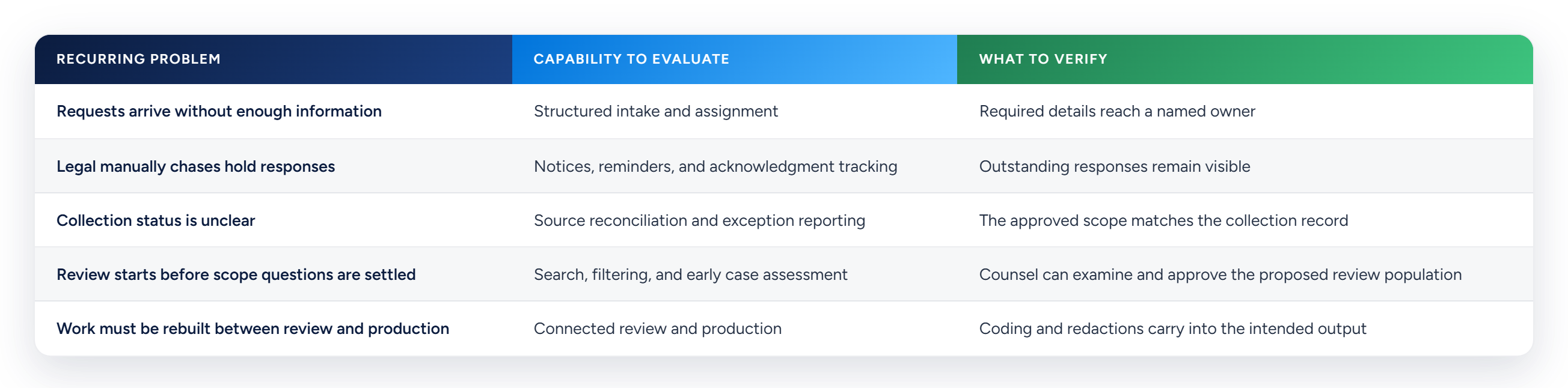
These are evaluation requirements, not features every product automatically includes. Where the work spans multiple systems, establish who maintains the connection and checks failures.
Venio brings legal hold, processing, early case assessment, review, and production into its discovery platform. That makes it relevant when the recurring problem involves administering holds or carrying evidence through those stages. Broader contract intake and departmental request routing need their own evaluation.
Give Every Handoff a Definition of Complete
A useful corporate eDiscovery workflow makes the next person's acceptance criteria explicit. An operator should know what to deliver, and the receiving team should know what to check.
For a collection, that could mean a manifest identifying the sources and date ranges, together with errors and excluded material. The receiving team reconciles that record against the request before treating the collection as complete.
Use the following responsibility model as a starting point. Adapt the roles to your department and its counsel arrangements.
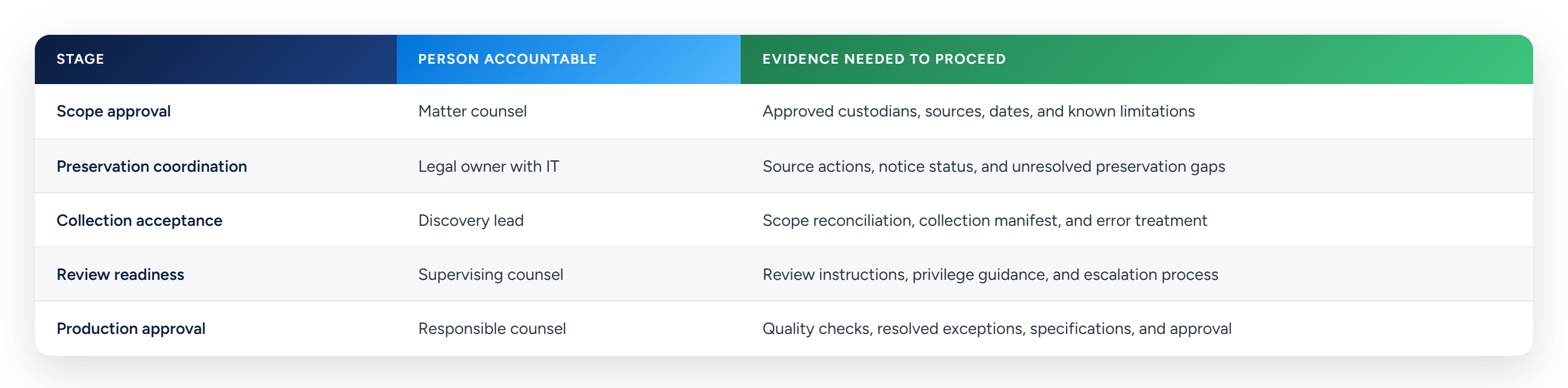
This gives legal workflow management a practical purpose. The matter owner can identify the next decision and the information needed to make it.
Keep instructions and approvals in a designated record with appropriate access. Where technical logs live elsewhere, reference their location. A general status field should not conceal an unresolved source failure.
Venio Legal Hold supports automated notices, reminders, escalations, questionnaires, and acknowledgment tracking. That can reduce the administrative work of following up with custodians and make outstanding responses easier to identify.
Acknowledgment and technical preservation still need separate verification. Confirm which sources support the intended preservation action, who performs it, and how failures reach the legal owner.
Decide How Exceptions Will Be Resolved
Consider a collection covering email and business chat for five custodians. Four exports succeed. One fails because the account is inaccessible.
The workflow should identify the affected source, assign someone to resolve access, and explain the effect on the matter. Counsel can then decide whether review should begin on the available material while recovery continues.
Avoid letting an overall completion status erase the missing source. Equally, an unresolved source should not automatically prevent work that counsel has approved on the available collection.
For each exception, record its owner, impact, next action, and next review date. When scope changes, update the affected collection and review instructions so teams are working from the same decision.
Ask any provider of legal workflow automation software to demonstrate this situation. A successful demonstration should show how the problem becomes visible and how the resolution reaches the people who depend on it. Record any steps that require another system or manual coordination.
Settle Review Decisions Before the Queue Builds
Once data is available, the next risk is paying for review before the team has agreed what needs attention.
Ask counsel to approve the initial review instructions and the proposed population. Record which sources and dates it covers, which filters were applied, and what remains unresolved. Assess exclusions before treating the reduced population as sufficient for the matter.
Early case assessment, or ECA, helps the team examine the data before committing to a broader review effort. Venio ECA provides keyword and metadata search, filtering, and visualizations that can support that assessment. Counsel remains responsible for decisions about scope and sufficiency.
For teams evaluating in house eDiscovery, this is a practical starting point. Internal teams can develop an informed view of the collection and give outside counsel a defined population with documented limitations.
Privilege planning also needs an early owner. The FRCP amendments effective December 1, 2025 changed Rules 16 and 26 to bring the timing and method of describing privilege and work-product claims into early discovery planning. Scheduling orders may address those arrangements.
Agree who approves the privilege approach, what reviewers must capture, and how difficult calls will be escalated. The amendments do not prescribe one universal log format or deadline. The operational benefit comes from settling the applicable approach before review creates inconsistent records.
In the eDiscovery workflow, smaller review volumes are valuable when the team can explain how they were selected. Preservation obligations remain separate from decisions about which documents to review first.
Keep Completed Review Work Useful Through Production
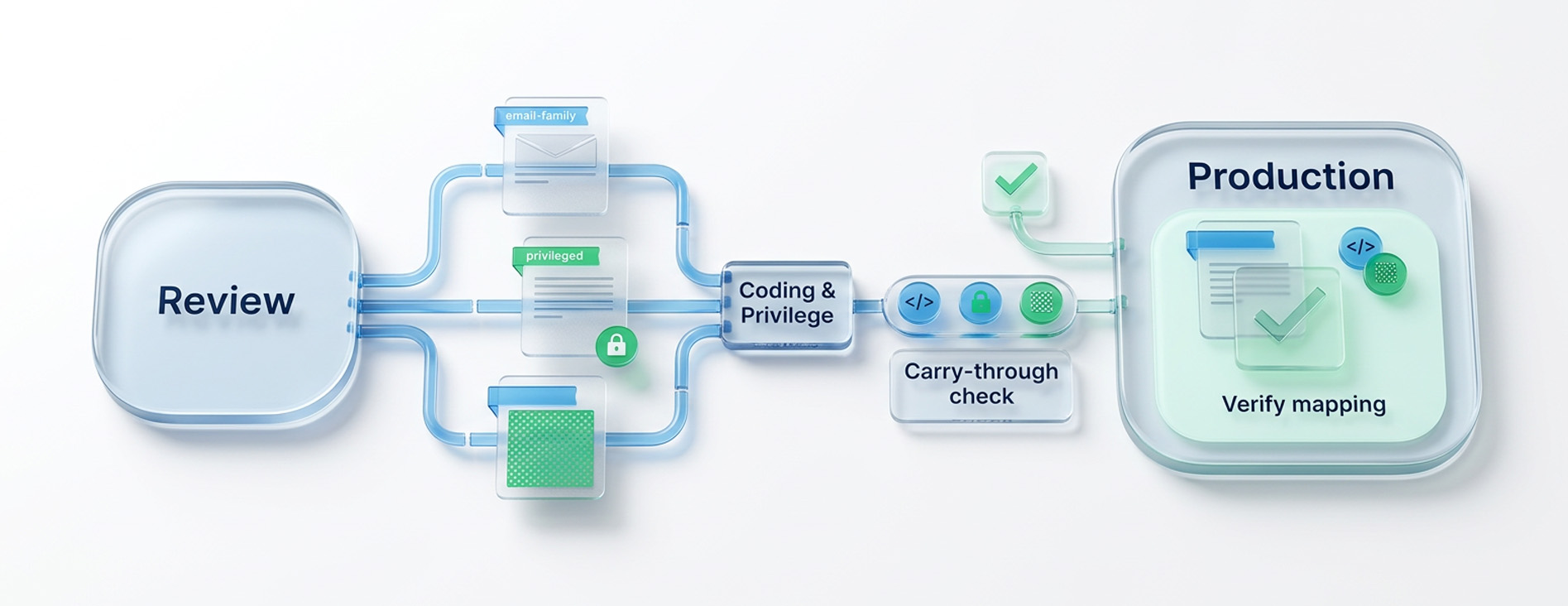
An approved review population is only the beginning. Coding, privilege decisions, and redactions must remain usable when the team prepares the production.
If your current process exports documents into a separate application, identify what must be mapped, checked, or recreated. Record the staff time required and any corrections caused by the transfer. That gives you a specific requirement for a connected platform.
Related Articles
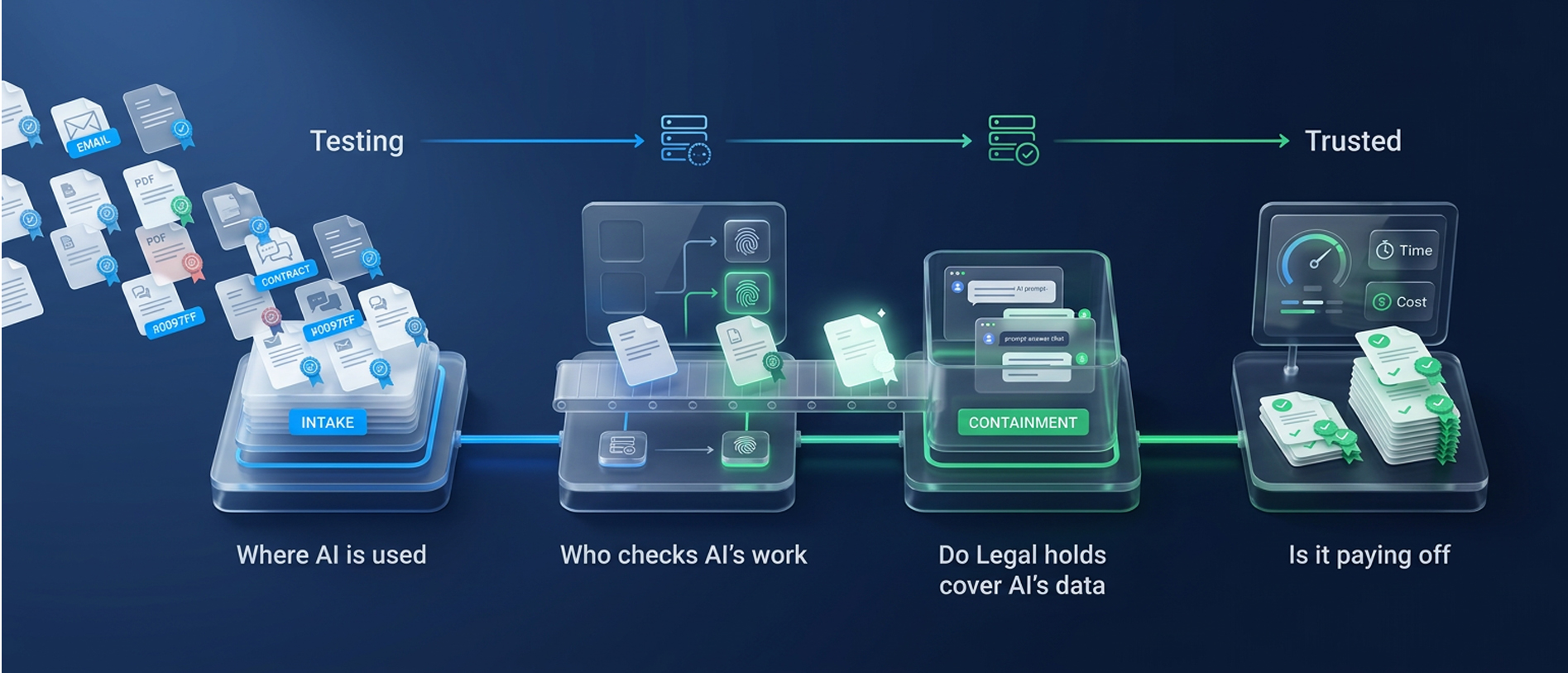
From Testing to Trusted: The Open Questions on AI in eDiscovery
Where is AI used, who checks its work, do legal holds cover AI data, and is it p
Read Article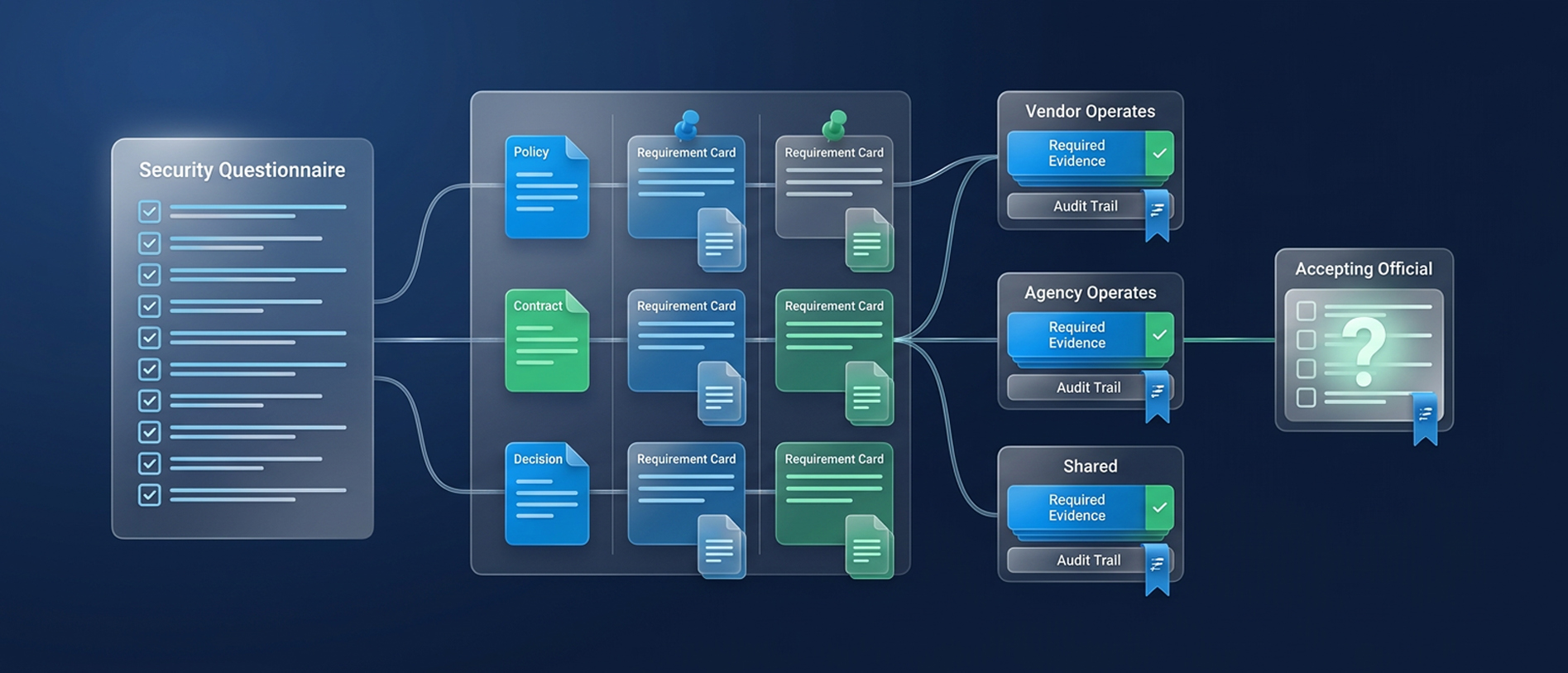
A Buyer’s Guide to Government eDiscovery Security
Evaluate government eDiscovery security requirements, FedRAMP 20x and NIST contr
Read Article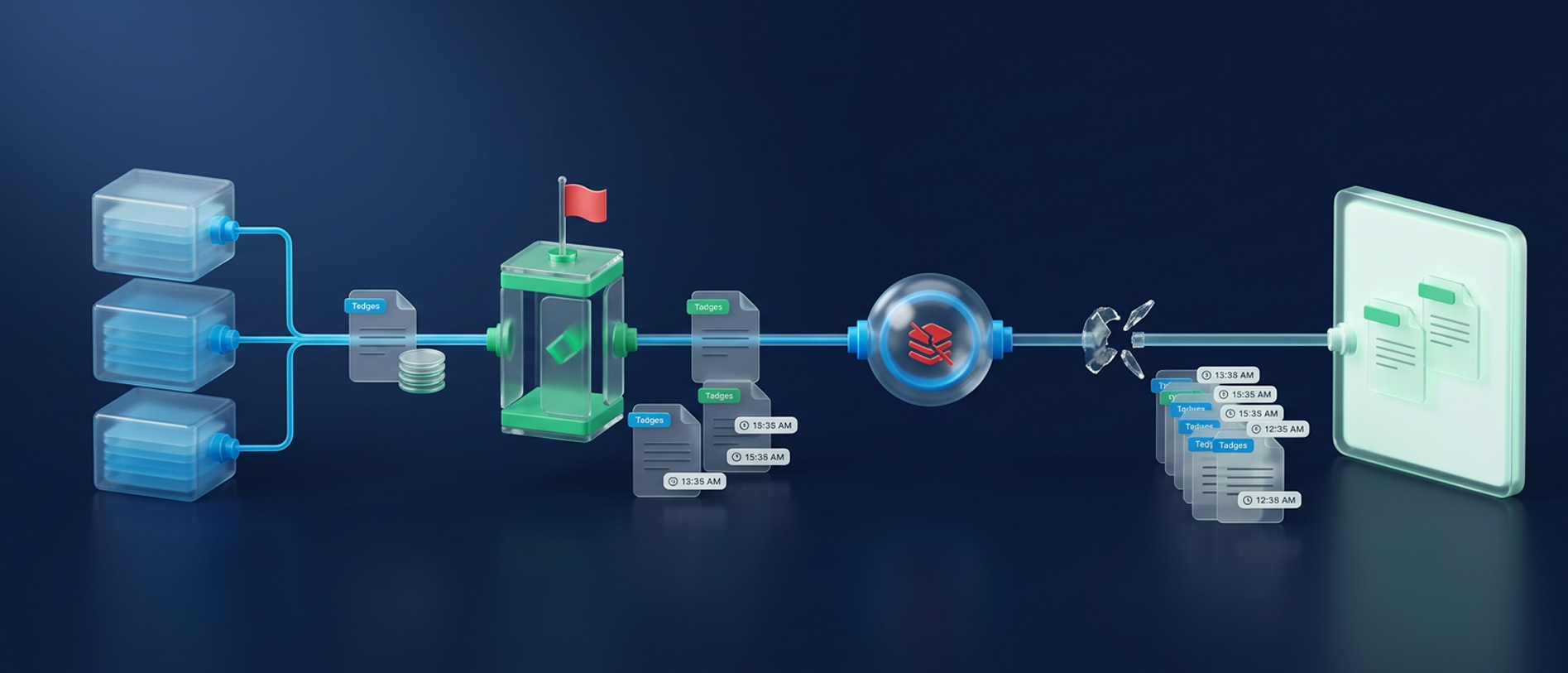
Information Governance and eDiscovery Readiness
Find the gaps between retained data and reviewable evidence. Assess information
Read Article